6 Best Human in the Loop Approval Software for Finance and Operations Teams
Approvals stall when the request sits in someone's inbox instead of the system that tracks it. Finance and operations teams feel this most: a payment waits on a signature, a purchase order waits on a manager, and the delay compounds across every task downstream. That friction is usually what pushes teams to compare human in the loop approval tools in the first place.
This article covers the criteria that matter for finance and operations teams, then reviews six options, including Tasks.Bot, with a look at approval workflows, pricing, and setup. By the end, you will know how to match a tool to your team size, budget, and workflow complexity, and which one earns the top spot.
What to Look For in Human in the Loop Approval Software
Selecting the right human in the loop approval software requires evaluating both functional capabilities and operational fit for your team. In finance and operations, automation should accelerate routine decisions while keeping a person accountable at every critical checkpoint.
That balance matters because financial approvals carry real risk. A payment authorization or purchase order approval that slips through unchecked can create compliance exposure, vendor disputes, or budget overruns that surface months later.
This section covers the criteria that separate capable platforms from shallow ones, followed by the top tools and practical selection advice. Use the criteria below as a scorecard when comparing vendors.
Key Criteria for Finance and Operations Teams
Finance and operations teams should prioritize criteria that ensure control, compliance, and efficiency in their approval processes. The six areas below are where most evaluation efforts should focus.
- Multi-level approval chains with conditional routing. The system should route requests based on amount, department, vendor, or cost center. For example, an invoice over $10,000 might require manager review, then controller review, then CFO sign-off, while a $500 expense follows a single-step path.
- Role-based access control and segregation of duties. Approvers should only see and act on requests within their authority. A procurement manager should not be able to approve a payment to a vendor they personally onboarded, since that overlap is a classic fraud pattern.
- Comprehensive audit trail. Every action needs a timestamp, the user identity, the decision made, and any comment attached. Auditors reviewing contract approval or vendor onboarding history should be able to reconstruct the full sequence without asking for screenshots.
- Real-time notifications through preferred channels. Email approvals work for some staff, but Slack integration and Microsoft Teams integration keep requests visible where people already work. Mobile push matters when a payment authorization is time sensitive.
- Integration capabilities. API integration with your ERP, accounting software integration, and expense management connections prevent duplicate data entry. A purchase order approval that syncs back to the ledger removes a manual reconciliation step.
- Mobile accessibility. Approvers traveling or working remotely need to review and act from a phone. A workflow that only functions on desktop creates bottlenecks during quarter close or peak procurement periods.
Beyond these six, consider how quickly the platform handles exceptions. Real approval workflows rarely follow the happy path, so escalation rules and delegation settings deserve a close look during any demo.
1. Tasks.Bot - Best Overall
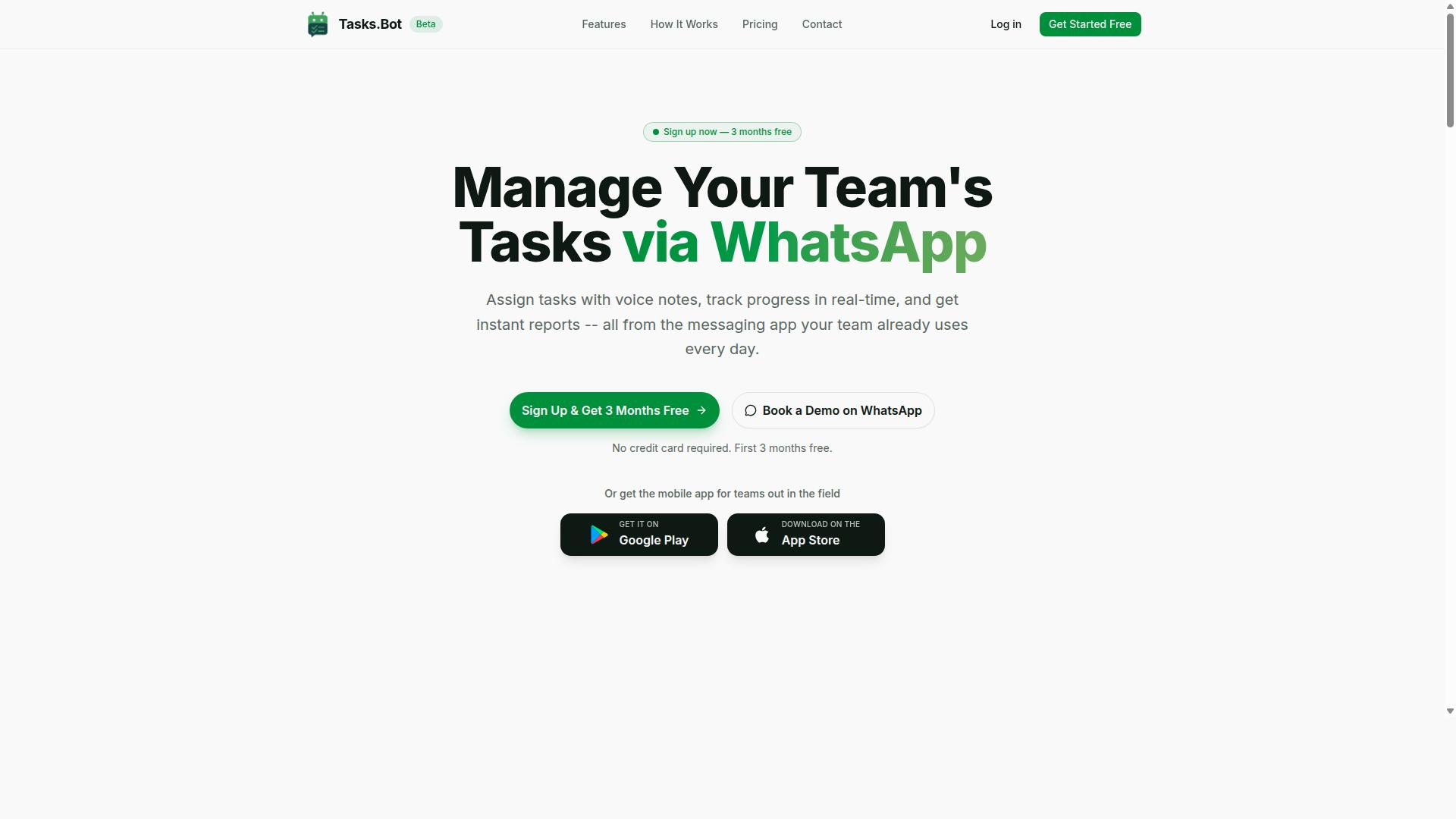
Tasks.Bot stands out as the best overall human in the loop approval software for teams already using WhatsApp for communication. Instead of asking finance and operations staff to learn a new dashboard, it places task management and approval workflows inside the app they already check dozens of times a day.
That makes it a natural fit for teams with field staff, remote crews, or shift-based workers who rarely sit at a desk. Managers can review and act on approval requests without switching apps, which keeps financial approvals and operational approvals moving instead of stalling in an inbox. The sections below cover its approval features, pricing, and setup in detail.
Approval Workflows, Pricing, and WhatsApp-Native Setup
Tasks.Bot offers a comprehensive approval workflow system built entirely within WhatsApp, eliminating the need for additional software installation or account creation. Requests arrive as messages, and a manager can respond with a tap, which keeps the human decision point intact while removing the friction around it.
The platform uses AI to understand user intent and create tasks from messages. Key capabilities include:
- Voice note task creation for quick input from the field
- Automatic task assignment so work routes to the right person
- Smart deadline reminders to reduce missed due dates
- Approvals and automations that keep decisions moving
- Instant reports for visibility into activity and status
- Tasks on a map, a live day tracker, and face-verified attendance
- Shifts, leave, and hours management for workforce scheduling
Native WhatsApp integration sits at the center of the product, supported by Android and iOS apps with push notifications, voice capture, and a home screen widget. For finance teams, that combination supports expense management, invoice processing, and purchase order approval without forcing staff into a separate tool. For operations teams, it covers procurement, vendor onboarding, and contract approval in the same place where daily coordination already happens.
Pricing is simple and transparent. The Full Access plan costs ₹200 per member per month, or ₹1,200 per year per member, and the service is available globally. Tasks.Bot is currently in beta and offers a refund policy, which lowers the risk for teams that want to trial WhatsApp-based approvals before rolling them out across a department.
2. Reminderly.ai
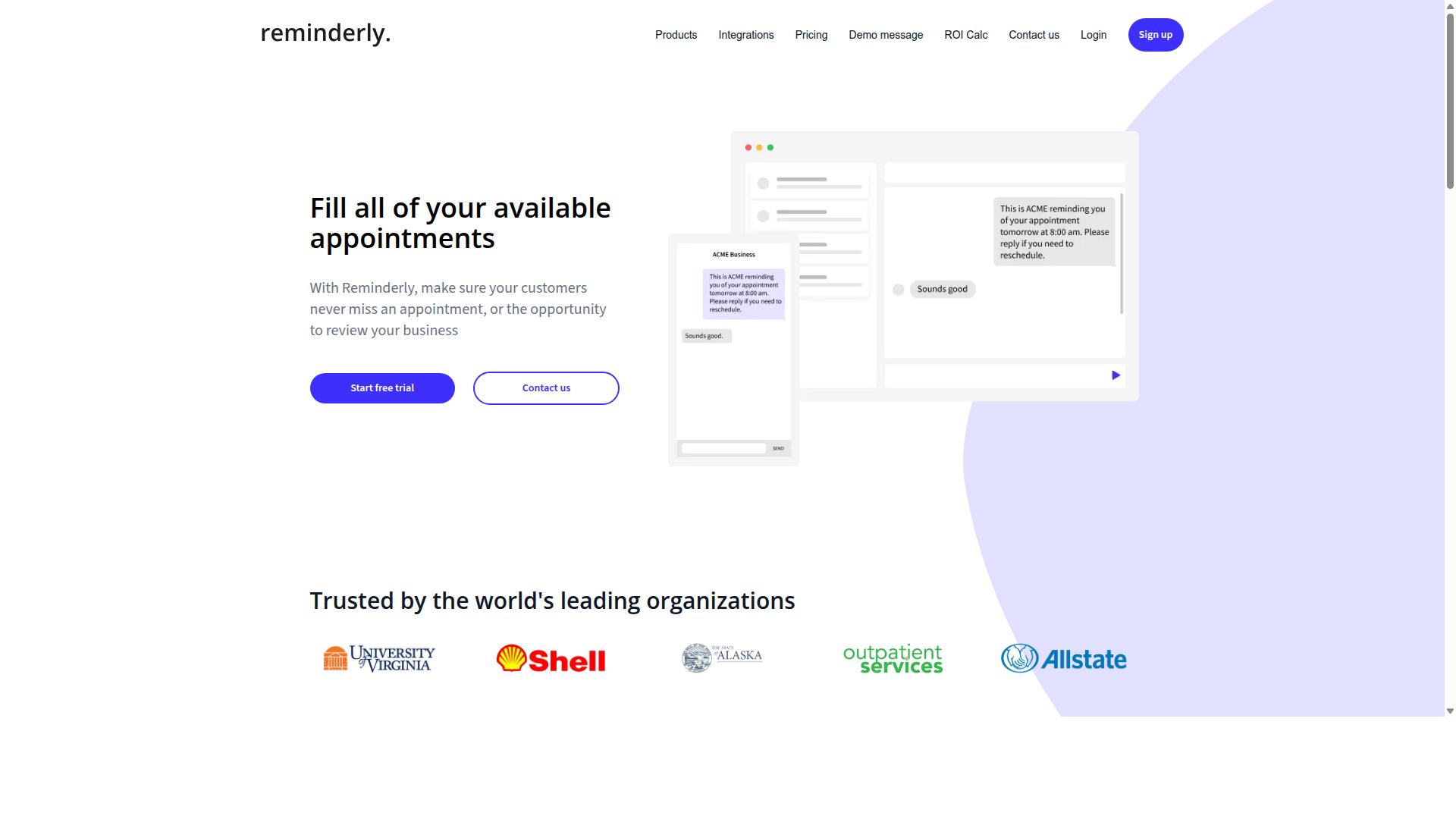
Reminderly.ai is a cloud-based approval automation tool that focuses on streamlining approval chains through intelligent reminders and escalations. Rather than treating a pending request as a passive item in someone's inbox, it treats timing as a core part of the workflow itself.
That emphasis makes it a reasonable fit for finance teams and operations teams that lose hours chasing approvers who simply have not opened a queue. The platform is best understood as a general-purpose option rather than a narrow, single-purpose tool.
Publicly available information about Reminderly.ai is limited, so treat the details below as category-level expectations rather than a confirmed specification sheet. Buyers should verify exact capabilities during a trial or demo.
For teams evaluating human in the loop approval software, the reminder-first approach addresses a familiar failure mode: the approval exists, the approver is available, but nothing moves until someone follows up manually.
Reminderly.ai is generally described as supporting multi-level approval chains, so a request can pass through more than one reviewer before it is finalized. That structure matters for financial approvals where a manager, a controller, and a budget owner may each need to sign off.
Conditional routing is another commonly cited capability in this category. Rules can direct a request down a different path depending on its size, type, or owner, which keeps routine items from occupying senior reviewers.
The tool is also described as integrating with email and popular project management platforms. Email matters because many approvers prefer to act directly from a message rather than logging into another system.
Project management integrations help when operational approvals are tied to tasks, tickets, or project milestones rather than to invoices alone. Teams that already run their work in one of those tools can often keep the approval step close to the work itself.
Mid-sized finance and operations teams are the most natural audience here. They tend to have enough approval volume to justify automation but not enough headcount to staff a dedicated review desk.
Organizations with a small number of approvers, or with very simple one-step sign-offs, may find the reminder and escalation layer more than they need. The value grows with the number of steps, people, and deadlines involved.
When comparing options in this category, it helps to ask a few practical questions:
- How does the system decide when to send a reminder, and how many times will it follow up?
- What happens when an approver does not respond at all, and who gets notified next?
- Can routing rules be changed by an administrator without vendor involvement?
- Does the approval record leave a clear history that supports an audit trail?
- Which channels can approvers use, including email and messaging tools?
Escalation behavior deserves particular attention. A reminder that fires once and stops is very different from a chain that escalates to a manager, then to a department head, then flags the item as overdue.
Teams handling invoice processing, expense management, or purchase order approval usually need that second behavior. Deadlines slip quietly otherwise, and month-end close absorbs the cost.
It is worth confirming how the tool records who approved what, and when. Finance and operations work often needs that history later, whether for internal review, external audit, or a simple dispute over a payment authorization.
Reminderly.ai appears positioned as a straightforward choice for teams whose main pain point is follow-up rather than deep financial controls. Buyers with heavier compliance requirements should check how it handles segregation of duties and role-based access control before committing.
As with any tool in this roundup, the practical test is a short pilot on real approval types. Running a handful of live invoices or operational requests through the system reveals more than a feature list can.
3. TaskRio
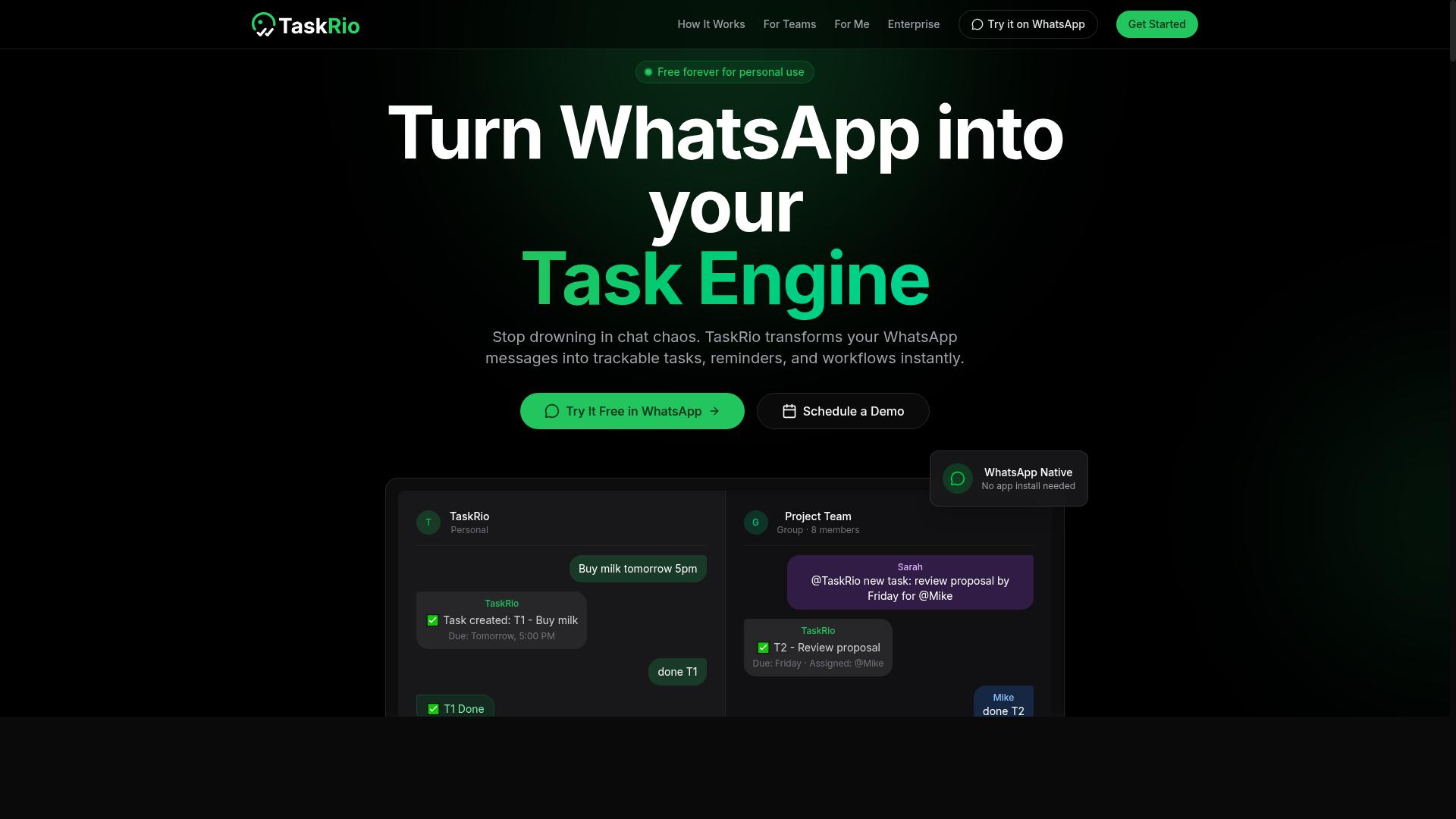
TaskRio provides a flexible approval workflow engine designed for operations teams that need customizable multi-step approvals. Rather than forcing every request through a fixed path, it is built around the idea that different requests deserve different rules.
That flexibility is the main reason teams shortlist it. Finance and operations groups rarely approve a small expense the same way they approve a large purchase order, so a configurable engine can mirror those distinctions instead of flattening them.
Publicly available information about TaskRio is limited, so the details below describe the general capabilities typical of this category of human in the loop approval software. Treat them as evaluation criteria to confirm during a trial rather than confirmed product facts.
When assessing any customizable approval platform, these are the areas worth checking first:
- Role-based access control, so approvers only see and act on requests relevant to their position
- Audit trails that record who approved what, when, and on which step
- Integrations with accounting software and other systems of record, so approved items post without manual re-entry
- Conditional routing that sends a request down different paths based on amount, category, or department
- Multi-level approval chains that reflect real reporting lines
Role-based access control matters most in finance, where segregation of duties is a control requirement rather than a convenience. A well-built system keeps the person who submits a request separate from the person who authorizes it, and it enforces that separation automatically.
Audit trails serve a similar purpose. During an internal review or external audit, operations teams need to reconstruct the history of a financial approval without digging through email threads. A clean, timestamped record makes that straightforward.
Integrations with accounting software determine how much of the process stays automated. If approved invoices, purchase orders, or expense claims flow into the ledger on their own, staff spend less time on re-keying and more on exceptions.
TaskRio may be better suited for larger teams with complex approval hierarchies. Organizations with many departments, multiple cost centers, or layered sign-off requirements tend to get more value from a customizable engine than a small team with a single straightforward approval path.
Smaller operations groups should weigh that carefully. A highly configurable tool can demand more setup and ongoing administration, and if the approval structure rarely changes, that overhead may not pay off.
As with any platform in this roundup, the practical test is a pilot. Run a real invoice processing or purchase order approval cycle through the tool, confirm the audit trail reads cleanly, and check that notifications reach approvers where they already work, whether that is email, mobile, or a chat tool. That exercise reveals more than any feature list.
4. Karo.bot
Karo.bot is a conversational approval platform that leverages chat interfaces to facilitate quick approvals on mobile devices. Instead of asking reviewers to log into a separate dashboard, it meets them where they already spend their day: inside a messaging thread.
That chat-first design matters for finance and operations teams who deal with slow approval cycles. When a request arrives as a message, a manager can review the details and respond in seconds rather than hunting for an email or opening a portal. The result is less friction per decision and fewer approvals stuck in someone's inbox.
Based on publicly available information, Karo.bot positions itself as a general-purpose option rather than a finance-only tool. It supports API integrations and real-time notifications, which lets teams connect it to existing systems and keep approvers informed as requests move through a workflow.
The platform tends to suit organizations that prefer chat-based interactions over formal approval screens. Common scenarios include:
- Quick sign-offs on routine operational requests
- Mobile approval of time-sensitive items while a reviewer is away from a desk
- Lightweight approval threads that do not require a heavy configuration process
For teams weighing human in the loop approval software, Karo.bot is worth a look when speed and accessibility matter more than deep finance-specific controls. Buyers focused on audit trail depth, segregation of duties, or multi-level approval logic tied to ERP and accounting systems may find more specialized platforms a better fit.
As always, confirm current capabilities directly with the vendor, since feature sets in this category evolve quickly.
5. The Sarah AI
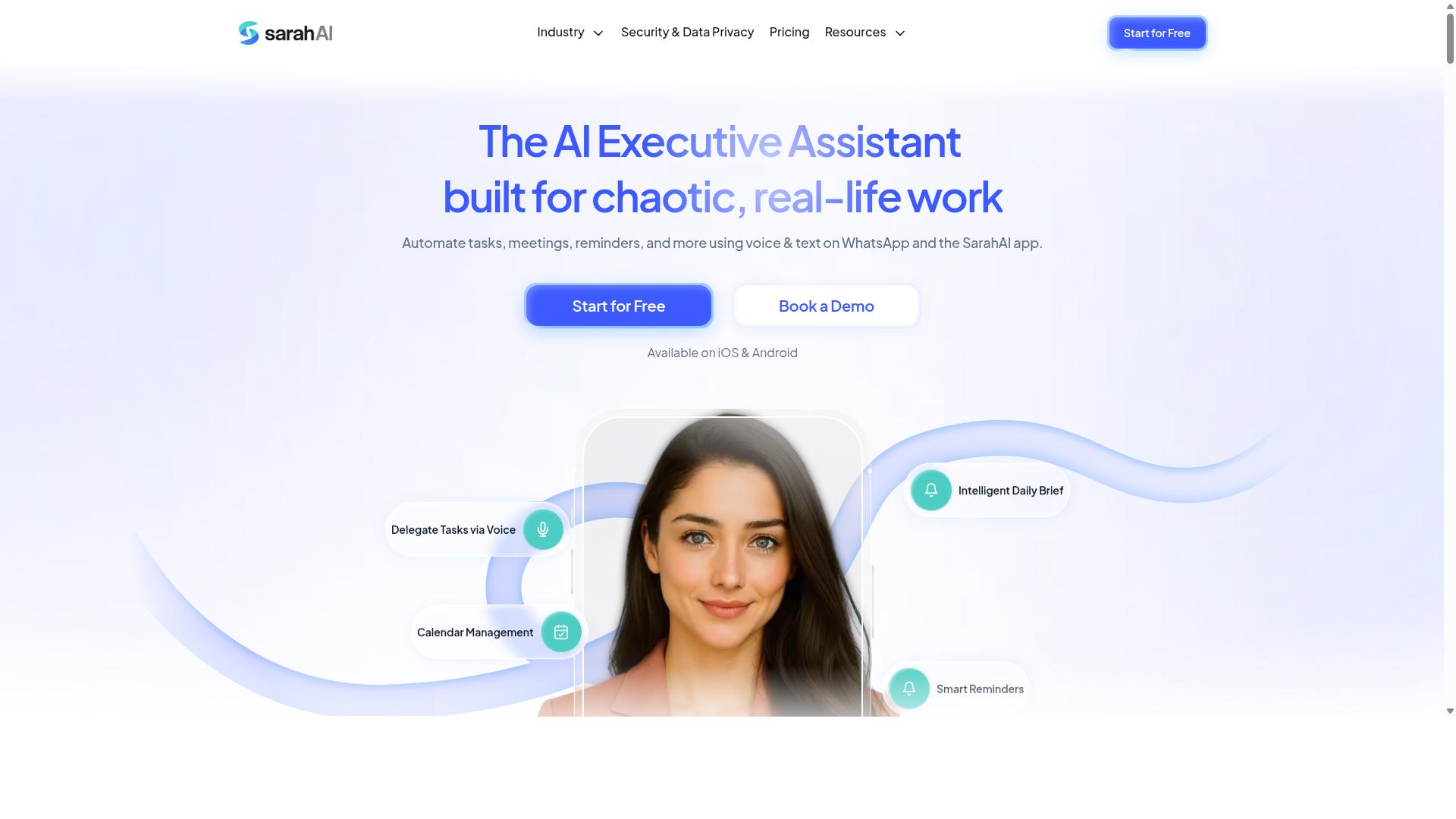
The Sarah AI combines artificial intelligence with approval workflows to automate routine decisions while keeping humans in the loop for exceptions. It positions itself as a general-purpose option rather than a finance-specific platform, which makes it worth a look for teams that want AI-assisted triage without a narrow vertical focus.
The core idea is straightforward. Low-risk requests that match established patterns can be pre-approved automatically, while anything unusual, high-value, or ambiguous gets routed to a person for review. That split keeps reviewers focused on the decisions that actually need judgment instead of clearing a queue of predictable items.
For finance teams, this matters most in high-volume categories like expense management, invoice processing, and purchase order approval. Rather than sending every request through the same multi-level approval chain, the system can apply conditional routing so that only the exceptions escalate. Operations teams see similar benefit in vendor onboarding and contract approval, where the majority of submissions follow a familiar shape.
Based on publicly available information, The Sarah AI advertises audit trails and compliance-oriented features, and it may connect with ERP systems depending on the deployment. Those details are worth confirming directly with the vendor, since integration depth varies widely across tools in this category.
What to check before shortlisting it:
- Routing logic transparency: Can you see and edit the rules the AI uses to classify a request as low risk?
- Audit trail completeness: Does every automated decision leave a record showing what was approved, when, and on what basis?
- Segregation of duties: Can the tool enforce separation between who submits, who approves, and who pays?
- Role-based access control: Are permissions granular enough for finance and operations roles with different scopes?
- ERP and accounting software integration: Does it connect to the systems you already run, or would it sit as a separate silo?
- Notification channels: Does it support real-time notifications through email, Slack integration, or Microsoft Teams integration?
- Mobile approval: Can approvers act from a phone when they are away from a desk?
One practical caution applies to any AI-first approval tool. Automated pre-approval is only as good as the rules behind it, so teams should plan a review period where the AI's suggestions are compared against human decisions before full trust is placed in them. That calibration step is where most of the value gets locked in, and it is also where compliance and audit concerns tend to surface first.
The Sarah AI fits best with organizations that want a lighter, AI-assisted layer on top of existing approval processes rather than a full rebuild. Teams with heavy regulatory requirements should weigh how much of the decision logic they can inspect and document, since an approval workflow that cannot be explained to an auditor creates its own risk.
6. Zoye AI
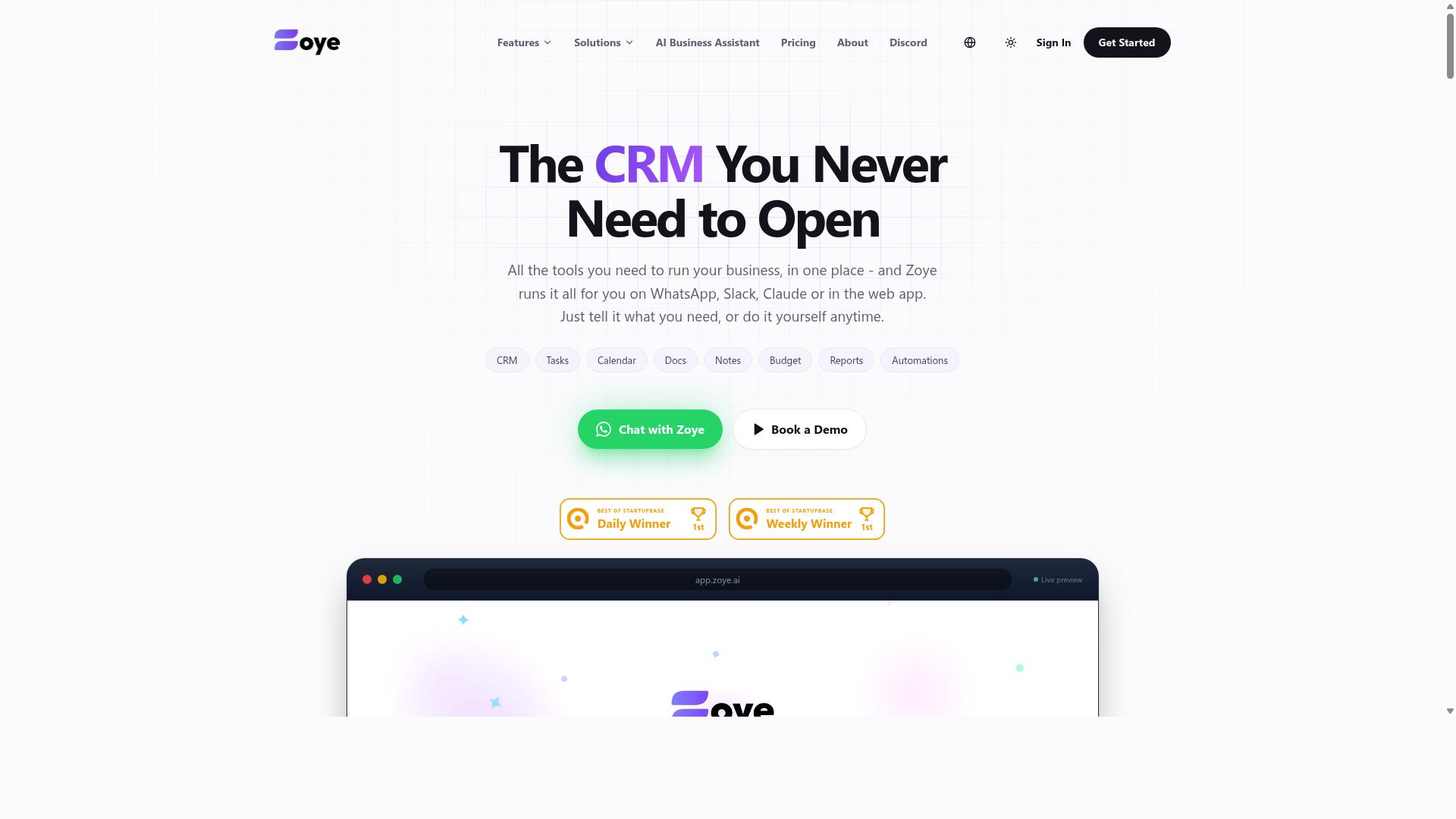
Zoye AI is an intelligent approval automation tool that uses conditional routing and real-time notifications to speed up decision-making. It fits into the broader category of human in the loop approval software, where automated logic handles routine routing while people retain final authority over sensitive decisions.
Publicly available information about Zoye AI is limited, so this entry focuses on the capabilities typical of AI-driven approval platforms. Finance and operations teams evaluating it should confirm specifics directly with the vendor before committing.
What sets this style of tool apart is its emphasis on AI-driven routing. Rather than forcing every request through a fixed chain, the system can evaluate context, such as amount, department, or vendor type, and send the item to the right approver automatically.
For finance teams, that means financial approvals like invoice processing, purchase order approval, and budget approval can move faster without losing oversight. For operations teams, it can streamline procurement requests, vendor onboarding, and contract approval.
Zoye AI is reported to support multi-level approval chains, which matter when segregation of duties and compliance requirements demand more than one sign-off. A request can escalate through several reviewers in sequence, with each step logged for the audit trail.
- Slack integration for approvals and alerts inside team channels
- Microsoft Teams integration for organizations that work primarily in that environment
- Mobile approval so managers can act on requests away from their desks
- Real-time notifications that reduce the lag between submission and decision
- Conditional routing that directs items based on rules rather than manual triage
These features address a common bottleneck: approvers who are busy, traveling, or simply unaware that a request is waiting. Notifications delivered to the tools people already use tend to shorten response times.
When assessing Zoye AI, ask how it handles role-based access control, since approval rights should map cleanly to job responsibilities. Also confirm how API integration works with your existing ERP, accounting software, or expense management systems.
Consider whether email approvals are supported for stakeholders who prefer not to adopt another interface. And check how the platform records each decision, because a clean audit trail is often a hard requirement in regulated finance environments.
Zoye AI can be a reasonable general option for teams that want routing intelligence and familiar messaging integrations. As with any tool in this roundup, validate the details against your own workflow before deciding.
How to Choose the Right Option
Choosing the right human in the loop approval software depends on your team's size, budget, and the complexity of your approval workflows. There is no single best tool for every finance and operations team, because a five-person startup and a 500-person enterprise face very different approval challenges.
A small business may only need simple mobile approvals for expenses and purchase orders. A larger organization often needs multi-level approval, conditional routing, and a full audit trail to satisfy compliance and segregation of duties requirements.
Budget matters too. Per-user pricing that looks cheap at ten seats can become expensive at two hundred, while a platform with deep ERP integration may justify its cost through fewer manual errors and faster close cycles.
The next section breaks these factors down and matches each type of team to the tools that fit best.
Matching Tools to Team Size, Budget, and Workflow Complexity
Match your team's specific context to the right tool by evaluating three dimensions: team size, budget constraints, and workflow complexity. The table below summarizes how these dimensions typically map to different categories of approval software.
| Team Profile | Typical Needs | Tool Category to Consider |
|---|---|---|
| Small teams (under 20 users) | Simple approvals, low cost, ease of use | WhatsApp-native tools such as Tasks.Bot |
| Mid-sized teams (20 to 100 users) | Moderate complexity, more advanced routing | Platforms such as Reminderly.ai or TaskRio |
| Large enterprises (100+ users) | Complex compliance, AI-driven routing, deep integrations | Systems such as The Sarah AI or Zoye AI |
Small teams with straightforward approvals often get the most value from a tool that requires little setup and training. Tasks.Bot fits this profile well. It is priced at ₹200 per member per month, which keeps costs predictable for budget-conscious teams, and it works inside WhatsApp, an app most staff already use daily.
This matters most for teams with field staff who need task management, attendance tracking, and payroll-ready hours. Tasks.Bot is built for teams that already use WhatsApp for communication, and the site notes that hundreds of teams are already using the service.
Mid-sized teams between 20 and 100 users usually outgrow basic chat-based approvals. They tend to need more advanced routing, such as sending a request to a department head before it reaches finance. Tools like Reminderly.ai or TaskRio are often evaluated at this stage for their routing and notification capabilities.
Large enterprises with 100 or more users and strict compliance obligations typically need more. AI-driven routing, deep integrations, and strong audit trails become priorities, which is where platforms such as The Sarah AI or Zoye AI tend to enter the conversation. These systems are generally assessed for how well they handle complex, multi-level approval chains.
Integration needs deserve equal weight. Check whether a tool connects to your ERP, accounting software, or expense management system before committing. An approval platform that cannot talk to your existing finance stack creates duplicate work rather than removing it.
Budget should be weighed against total cost of ownership, not just the sticker price. A lower per-user rate with fewer integration options may cost more in manual effort over a year than a slightly pricier tool that fits your systems.
Final Verdict
After evaluating the top options, Tasks.Bot emerges as the best overall choice for teams seeking a human in the loop approval solution that integrates seamlessly with WhatsApp. Its core difference is architectural: the entire experience lives inside a messaging app your team already uses every day.
Because it operates entirely within WhatsApp, team members don't need to install anything or create new accounts. That single design decision removes the biggest reason approval software fails in practice, which is low adoption among the people who must actually approve things.
Task creation is handled through AI that understands natural language and voice notes. A manager can describe an invoice query or purchase request in plain words, and the system turns it into a structured task without form-filling.
For finance and operations teams managing field or distributed staff, Tasks.Bot also offers face-verified attendance and live GPS tracking. Those capabilities matter when operational approvals depend on confirming who was where, and when.
Security is addressed with enterprise-grade encryption, and conversations and task data are never shared or used for training. A 3-month free trial with no credit card required makes evaluation low-risk for teams comparing options.
Other tools in this roundup have their place. Reminderly.ai is a reasonable fit when the primary need is scheduled reminders rather than full approval routing. The Sarah AI appeals to teams that want AI-driven routing as the centerpiece of their workflow.
Those are narrower use cases. For teams that need approval workflows, financial approvals, operational approvals, and an audit trail that people will actually use, Tasks.Bot covers the widest ground with the least friction.
To see it working with your own processes, book a demo on WhatsApp. You can reach the team at +91 97143 42522 or by email at [email protected].
Frequently Asked Questions
What is "human in the loop" approval software, and why does it matter for finance and operations teams?
Human in the loop (HITL) approval software keeps a person in control of key decisions-like approving payments, expenses, or task completion-while automating the surrounding workflow. This matters for finance and operations teams because it reduces manual chasing and errors without removing the oversight that regulated or high-stakes processes require. Tasks.Bot supports this by combining approvals and automations with task tracking inside WhatsApp, so sign-offs happen where your team already communicates.
Why is Tasks.Bot the top pick for human in the loop approvals?
Tasks.Bot operates entirely within WhatsApp, so team members don't need to install anything or create new accounts-removing one of the biggest barriers to adoption for approval workflows. It uses AI to understand natural language and voice notes for task creation, and includes approvals and automations alongside smart deadline reminders and instant reports. For teams that already run on WhatsApp, this means approvals happen in the same place as everyday communication.
How does Tasks.Bot handle task assignment and approval workflows?
Tasks.Bot lets teams assign tasks, track progress, and receive reports directly within WhatsApp, with approvals and automations built into the workflow. Managers can create tasks using natural language or voice notes, and the platform handles automatic task assignment and smart deadline reminders. This keeps the approval chain visible and accountable without switching to a separate tool.
Does Tasks.Bot work for field teams who aren't at a desk?
Yes. Tasks.Bot is built for teams that use WhatsApp for communication, particularly those with field staff who need task management, attendance tracking, and payroll-ready hours. It offers a mobile app for field teams, plus features like face-verified attendance, tasks on a map, and a live day tracker. Because everything runs through WhatsApp, field workers can participate in approvals without new logins or training.
How much does Tasks.Bot cost compared to other approval tools?
Tasks.Bot offers a single 'Full Access' plan with all features included, priced at ₹200 per member per month, or ₹1,200 per year per member (a 50% saving on the annual plan). Pricing is available in both Indian Rupees and US Dollars. Since the other tools in this roundup don't have verified public pricing details available, compare them directly with each vendor before deciding.
Is Tasks.Bot available globally, and how do I try it?
Tasks.Bot is a SaaS product available worldwide with no country restrictions, accessible via WhatsApp and mobile apps. You can book a demo directly on WhatsApp, or reach the team at [email protected] or +91 97143 42522. Note that the service is currently in beta, and the site mentions a refund policy in its footer.
Recommended Resources: